
Create a YouTube thumbnail
Open the first editor tab, YouTube thumbnails (유튜브 썸네일). Upload a photo and enter a title and supporting text. Start with a short, readable headline, then choose a style.
Scroll down to see more styles. Year and category filters offer compatible combinations. To find a category missing from a year such as 2012, reset the year filter to all years.
Check image placement and line breaks at a small viewing size. Match the headline to the actual video. Automatic AI title recommendations and BEST 3 thumbnail generation are not included in the current release.
Make an A4 product catalog
Choose the second tab, product catalog (상품 카다로그). Add a product photo, name and description, then select an A4 portrait or landscape format and catalog theme.
Portrait A4 PNG exports are 2480 × 3508px; landscape exports are 3508 × 2480px. PDF pages measure 210 × 297mm or 297 × 210mm. Proofread product prices, specifications and spelling before printing.
Refine background removal and hair
Upload the original and run background removal. The first run may need time to download a model. Zoom in on low-contrast edges, especially white products against white backgrounds.
Use mask editing to restore missing subject areas or erase remaining background. Hair cleanup may reduce stray fragments but can also remove real strands; compare with the original. Straight edges can belong to a product and should not automatically be erased.
Inspect white subjects on a dark background to spot missing edges and light halos. Results depend on photo resolution and background; perfect separation is not guaranteed.
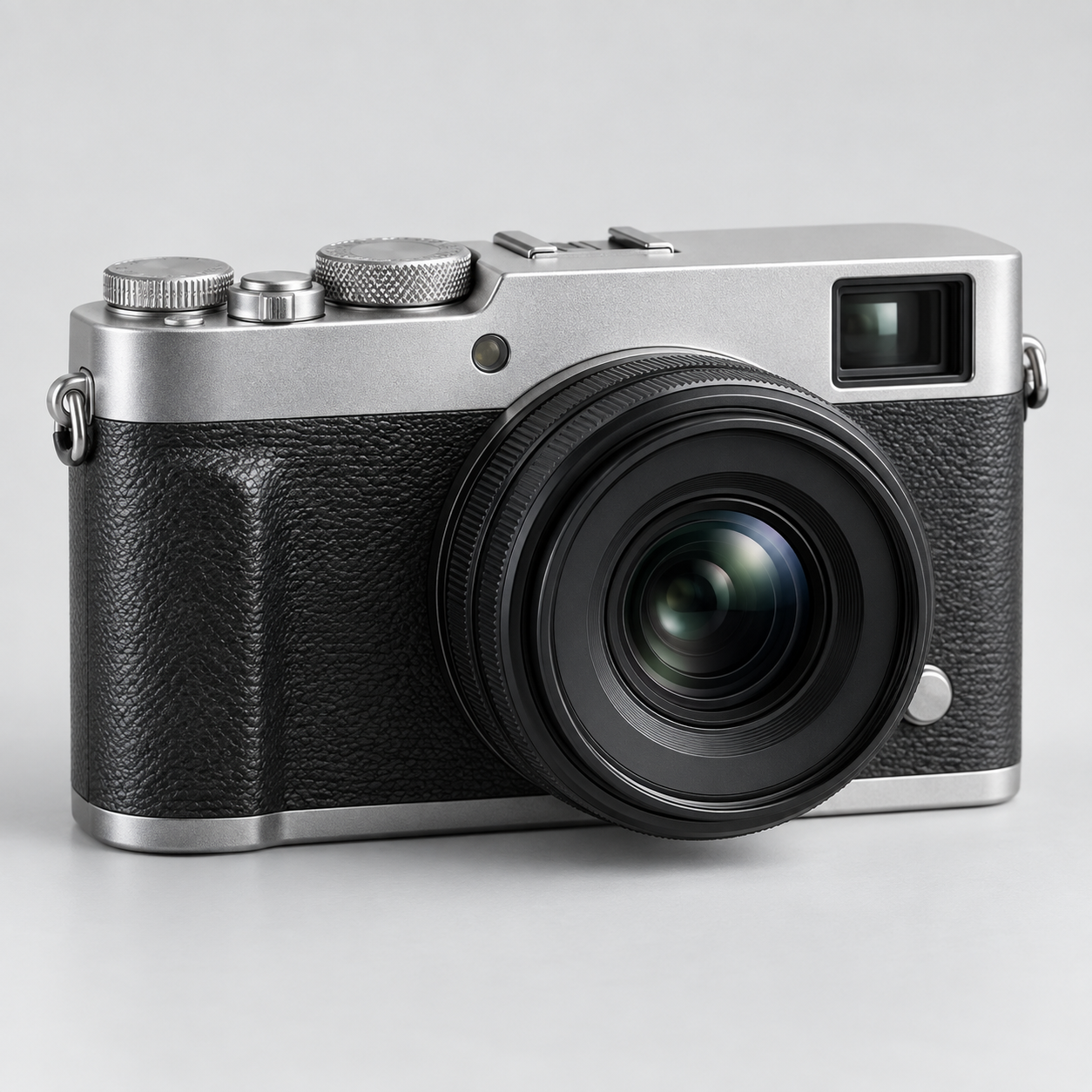
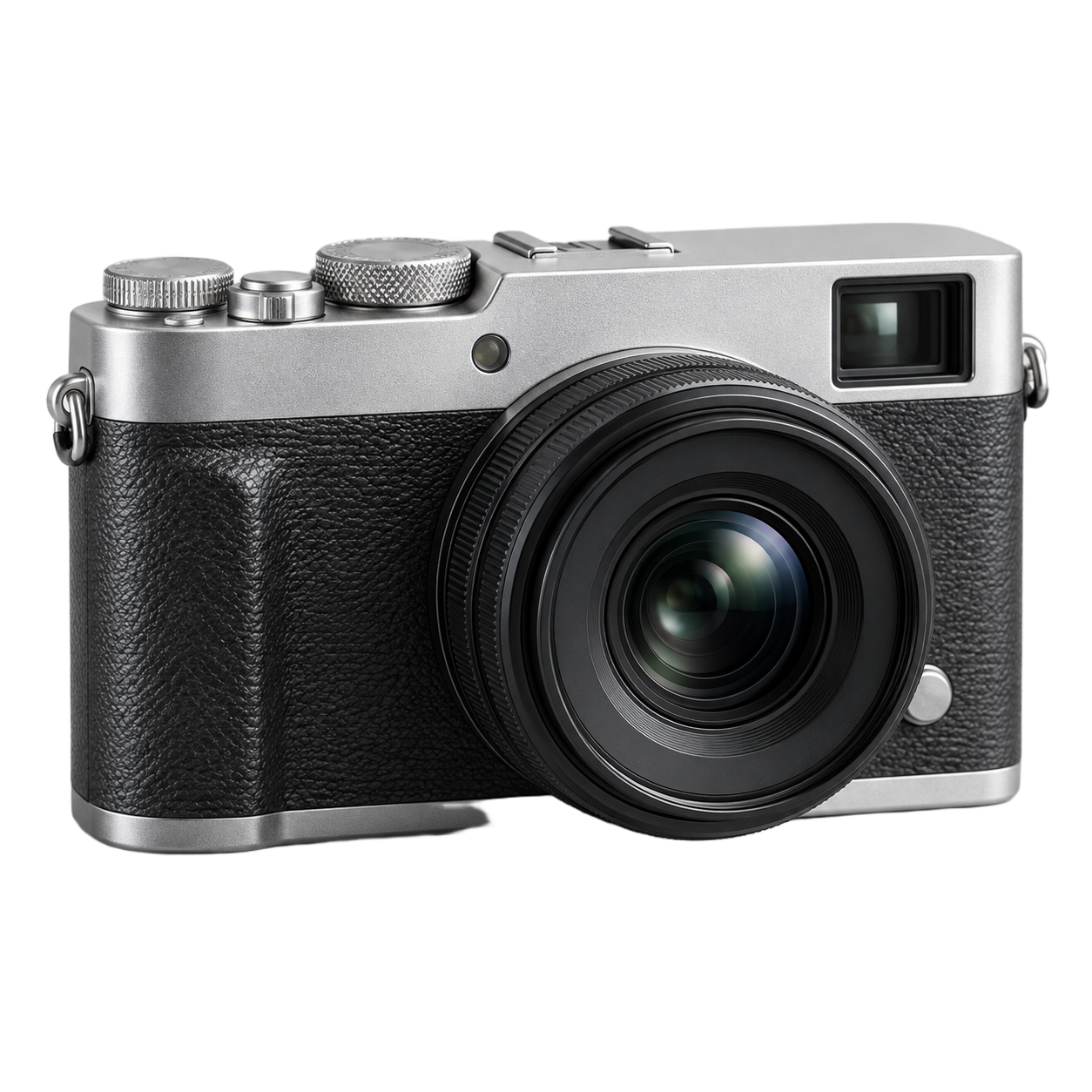
Check seven output languages
Design copy supports Korean, English, Japanese, Simplified Chinese, Spanish, Portuguese and Hindi. After switching languages, check headline length, line breaks, product names and numbers.
This guide and pricing information have separate language URLs. Editor controls and account screens currently use mainly Korean. Translated copy does not automatically satisfy every country's advertising or labeling requirements.
Download files and save projects
Export finished designs as PNG, JPG or PDF without a paid subscription. JPG does not support transparency; select PNG when you need a transparent image.
Browser editing is not cloud storage. Download important results before closing the tab. After verified payment, the Pro pilot provides private save and restore for up to 100 projects, 5GB total and 25MB per project.
My work lets you reopen saved designs, download project data or delete projects. If an image cannot be saved, upload a supported PNG, JPG or WEBP file and check its size.
Frequently asked questions
What is free?
Browser editing, background removal, style and language selection, and PNG, JPG and PDF downloads are free. Private cloud storage belongs to the separate Pro pilot.
Why is a style missing from the filters?
It may not exist for both the selected year and category. Reset either filter to all and choose again.
Why did part of my white product disappear?
Low contrast can make automatic separation difficult. Restore the subject with the mask editor and inspect its edges on a dark background.
Why is PayPal checkout unavailable?
Paid checkout stays closed until sale terms and payment verification are complete. Check the pricing page for availability and the actual USD charge.